Ispirer Website
Ispirer Toolkit Overview
Free Trial
How to Optimize Migration of Schema and Data
To optimize the migration process, we recommend splitting the conversion into multiple threads using the following approach:
- (Project 1) In the first project of the tool, select all the tables (and other objects (views, functions, etc.) if any) that you want to convert.
On the 'Settings' page, set up the EXPORT_DATA for section [_WZD_COMMON] to 'No':
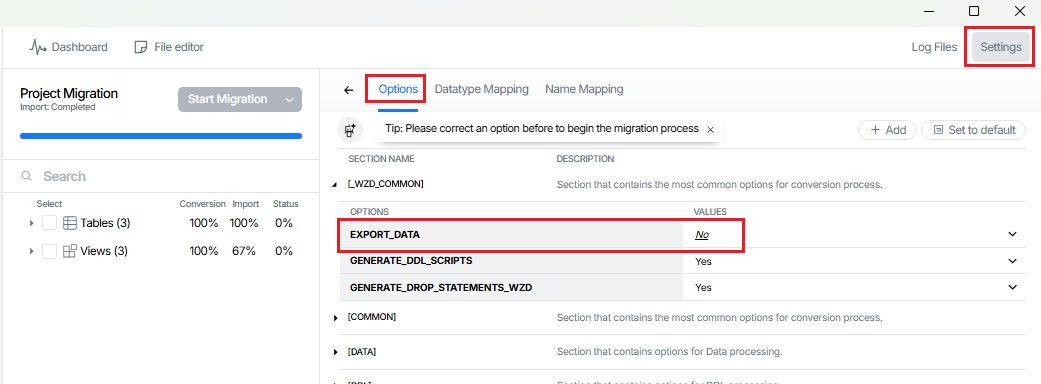
This will allow our tool to convert all DDL, indexes and constraints without wasting time on data export.
Next, verify that the 'IMPORT_ORDER' option in the [COMMON] section is set to 'Fast' to ensure the conversion occurs in the following order:
data, constrains, indexes.
This option allows us to download constraints and indexes separately from the DDL, so that we can then import them separately into the database.
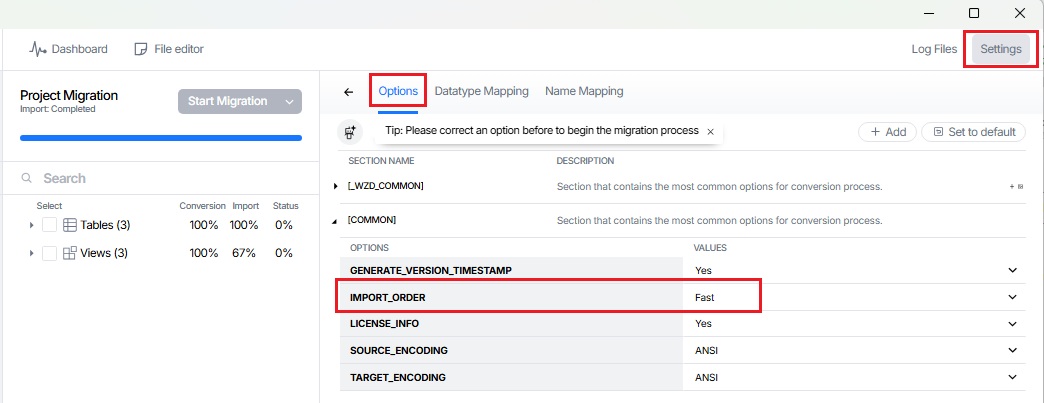
More information about IMPORT_ORDER option you could find here: Section [COMMON]
- (Project 2 - N) In the rest of the projects only data will be converted.
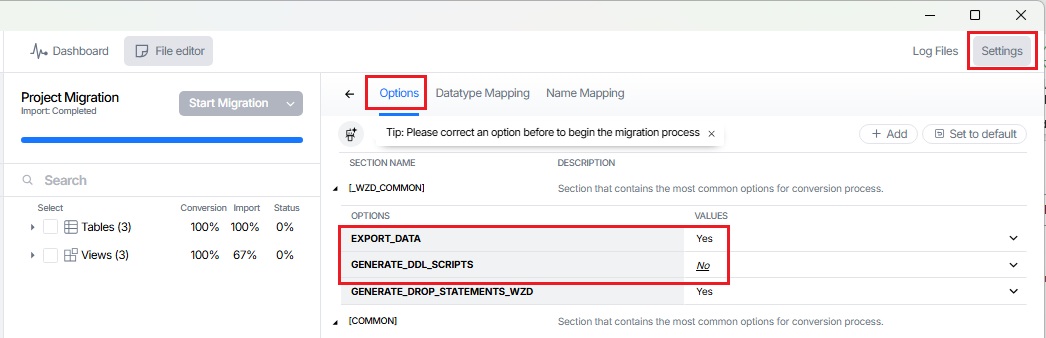
On the 'Settings' page, set up the GENERATE_DDL_SCRIPTS for section [_WZD_COMMON] to 'No' and the EXPORT_DATA to 'Yes'.
Thus, only data will be uploaded and converted in these threads:
If necessary, the scope may be divided into approximately equal parts of data to speed up the conversion process:
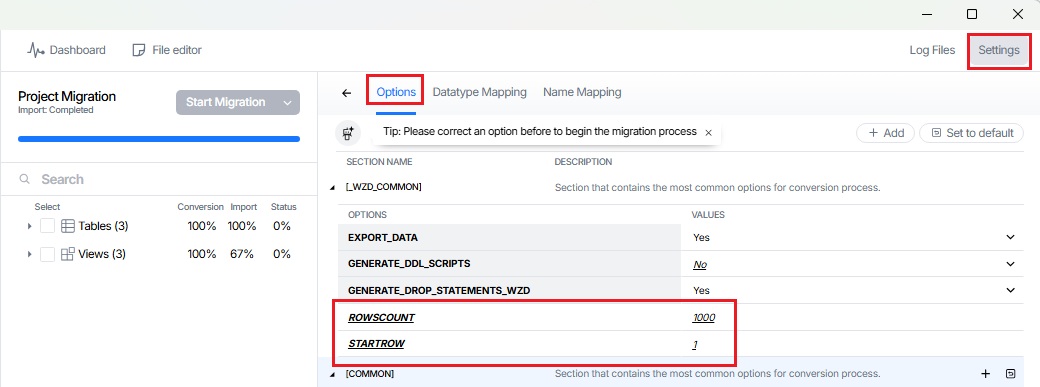
- if you select some tables to convert, you can specify the options STARTROW for start row and ROWSCOUNT for the number of rows at the [_WZD_COMMON] section. For example, you can upload N rows starting from the first into one project, the remaining rows into the second, starting from N + 1 rows, and so on. There can be any number of such projects:
For each project, we also need to select “Fast” for the “Import option for tables” option. Next, the algorithm is as follows – first, start the conversion of all streams (use item 'Start Conversion' of menu):
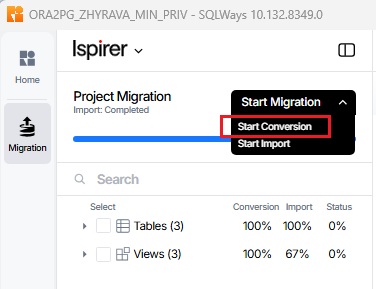
Such a mechanism allows to convert all tables and data in multiple instances, without fear that any problems may arise due to keys and dependencies between objects.
If you have any other questions, please contact us at support@ispirer.com