Ispirer Website
Ispirer Toolkit Overview
Free Trial
How to Change Decimal Point Character
1. In SQLWays.
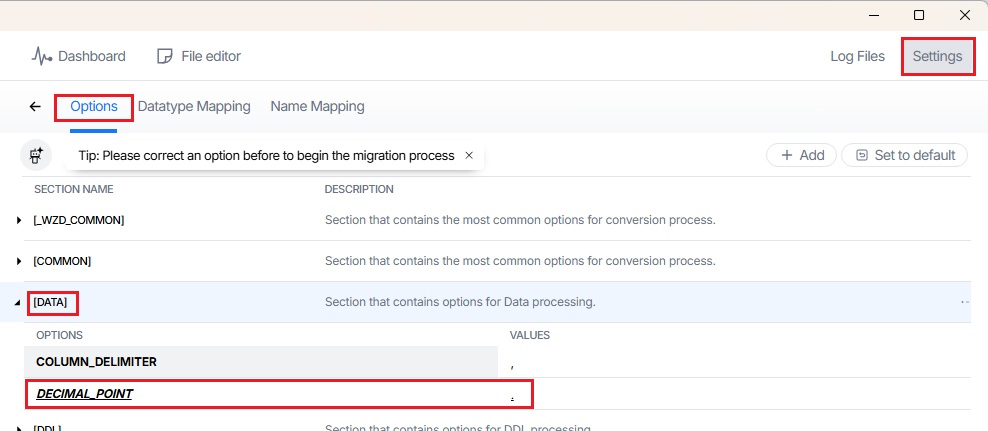
Go over the wizard to page 'Settings', add the option DECIMAL_POINT for section [Data] with the character which you need ('.'(dot ) or ','(comma)).
2. In SQLWays Command Line. Set a DecPoint value in the command line. Use the following syntax:
/DECPT=DecPoint.
If you have any other questions, please contact us at support@ispirer.com